The ProVision Admin Guide provides information on features accessible with Admin level permissions within ProVision. For more detailed information on features accessible in the standard user tabs , see the ProVision User Guide.
Accessing the ProVision Admin section
To access the Admin area, click the gear icon at the top right section of the header from any page. From there, select "Admin". You will then have access the Admin section tabs of ProVision, and will see the Admin Preferences page.

Leaving the ProVision Admin section
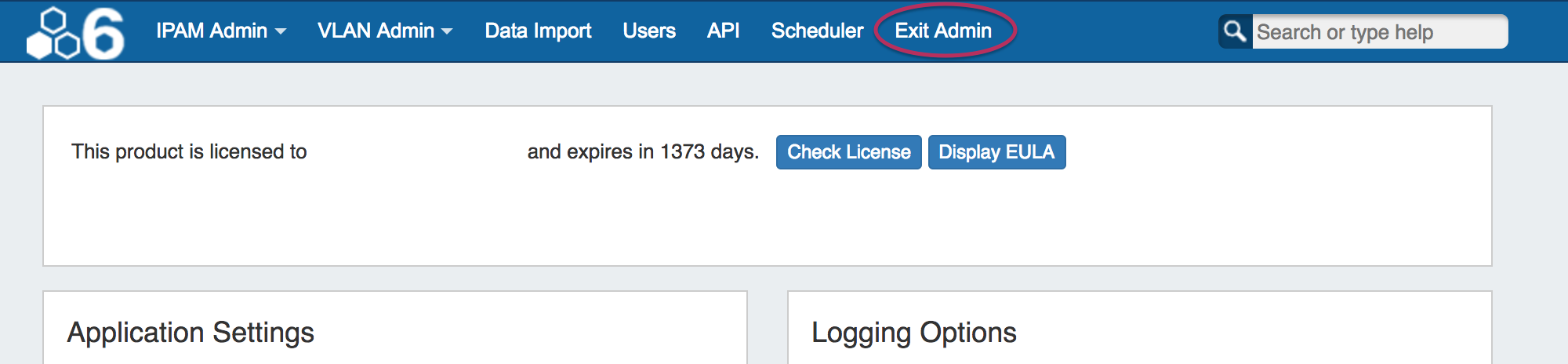
To leave the Admin area, simply click the "Exit Admin" link in the navigation bar. You will be redirected to the Dashboard.