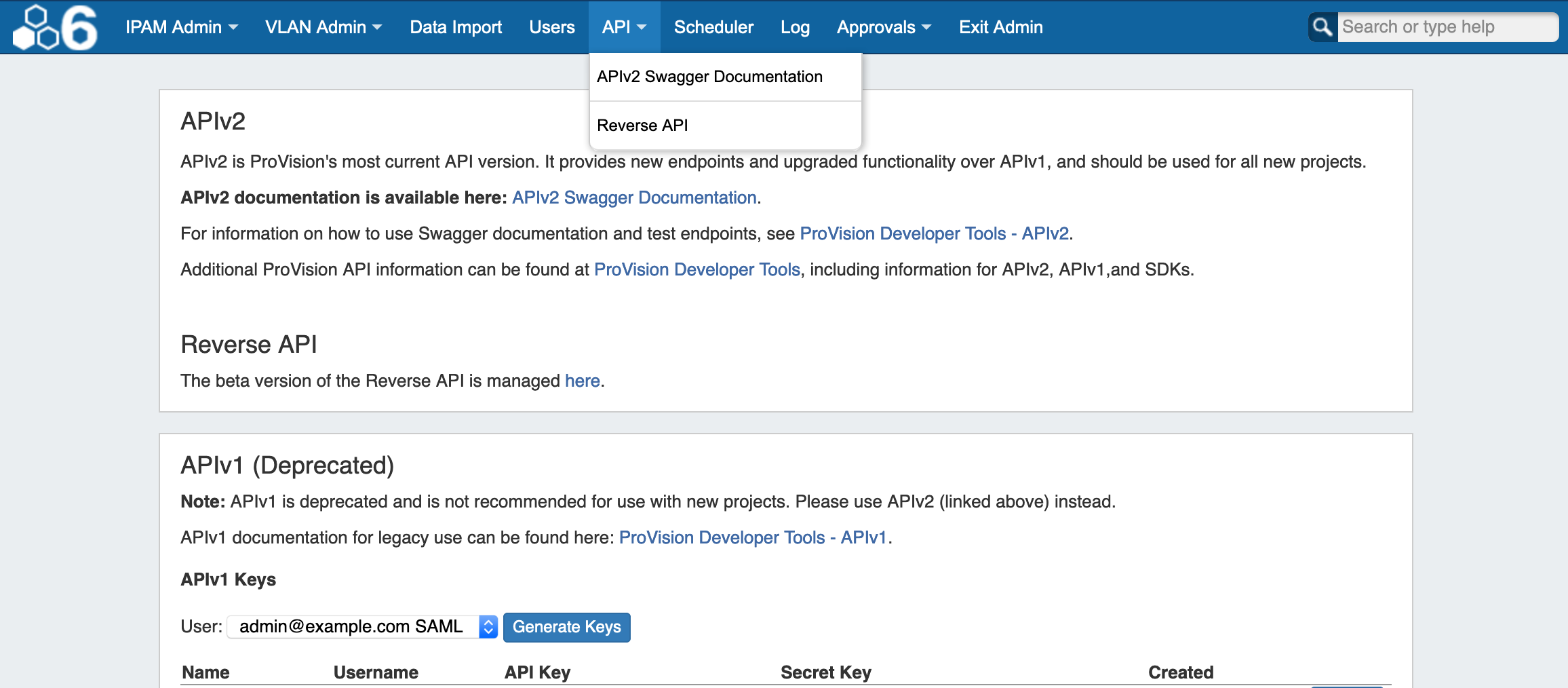
The API tab provides links to APIv1 / APIv2 documentation and beta Reverse API management. It also allows you to create and manage APIv1 keys for users.
APIv2
APIv2 documentation is available at Developer Tools and APIv2.
Detailed endpoint descriptions are available at APIv2 Swagger Documentation, or from the instance-specific link provided on the API Tab page / Navigation dropdown.
APIv1
An APIv1 area is provided for legacy users, containing a link to APIv1 Documentation and a tool to create / revoke APIv1 access keys.
Create / Revoke a Key
To create a key, simply select the user, and click on "Generate Keys".

The Name, Username, API Key, Secret Key, and Created date information will be added to the list below.
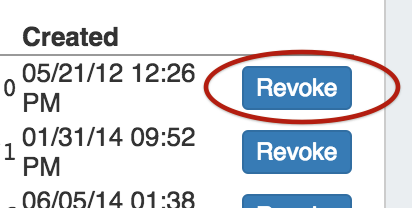
To revoke a user's key, click "Revoke" at the end of their entry.