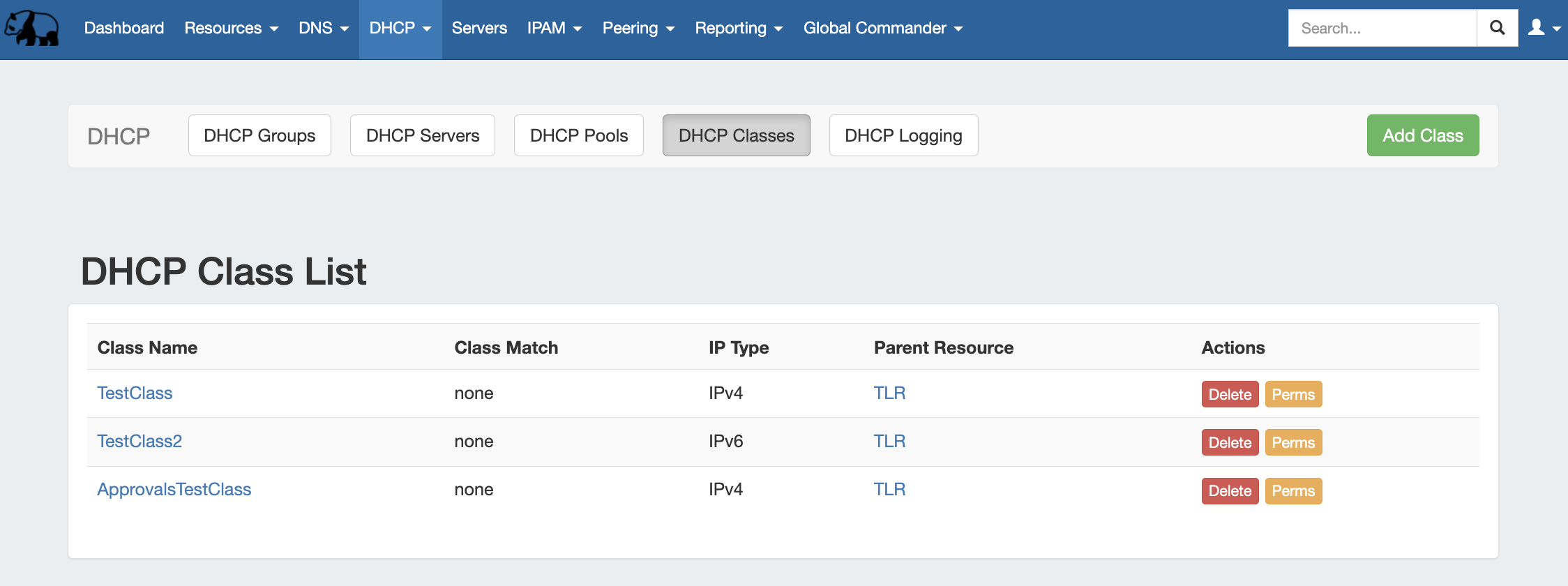
The DHCP Class List is accessed from the DHCP tab, then clicking on the DHCP Classes subtab button. From this page, you may create, view, and edit DHCP Classes.
Clicking on the Class name from will open the Class Details page for the specific class.
Add a DHCP Class
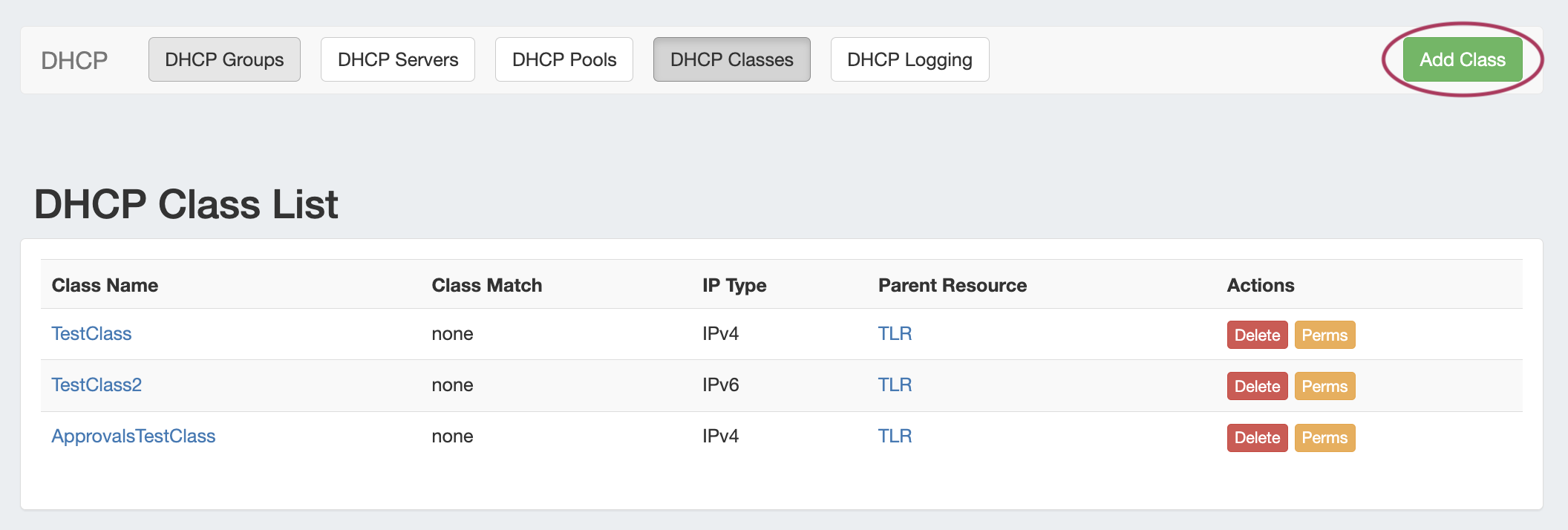
Add a new DHCP Class to the Class List by clicking the "Add Class" button at the top of the page.
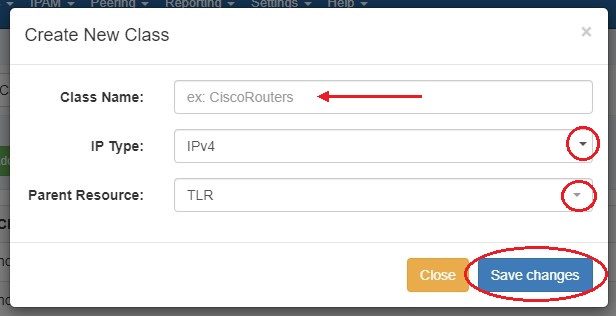
In the "Create New Class" dialog, enter a name for the class and choose IPv4 or IPv6 and a parent resource.
Edit a DHCP Class
Classes may be edited by clicking on the Class name. From this page, users may edit class options and matching.
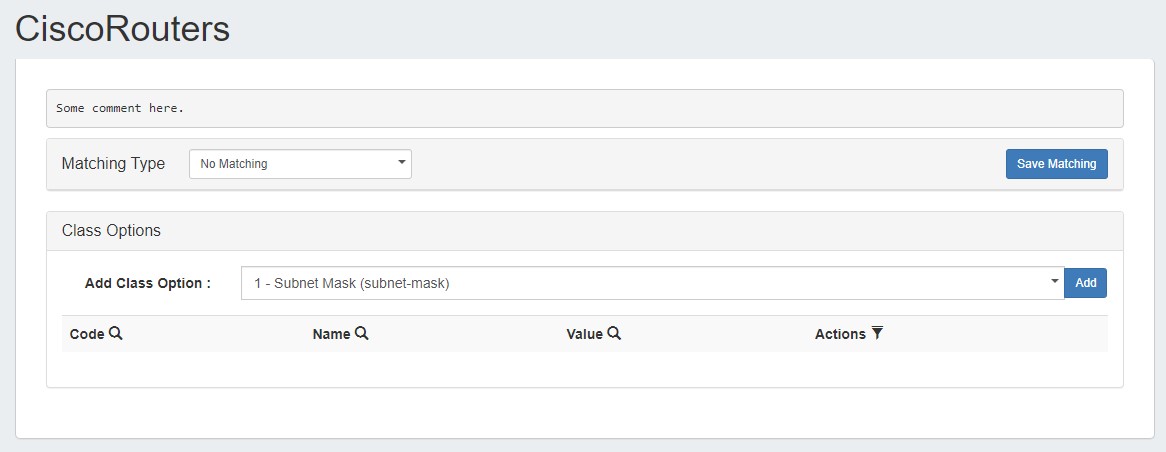
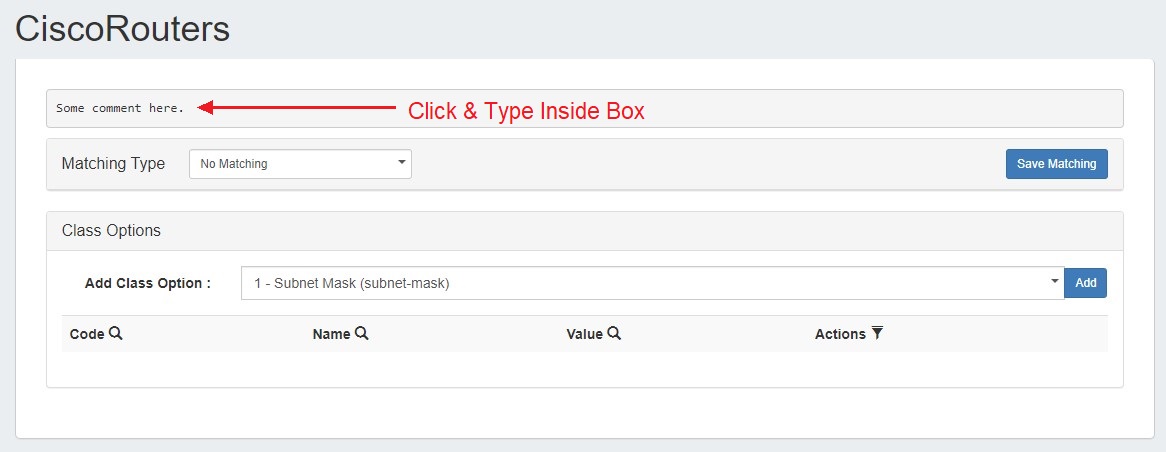
Add / Edit a comment
To add a comment to a pool, click anywhere inside the comment area and begin typing. The comment will be saved when an area outside of the comment box is clicked, deselecting the comment area.
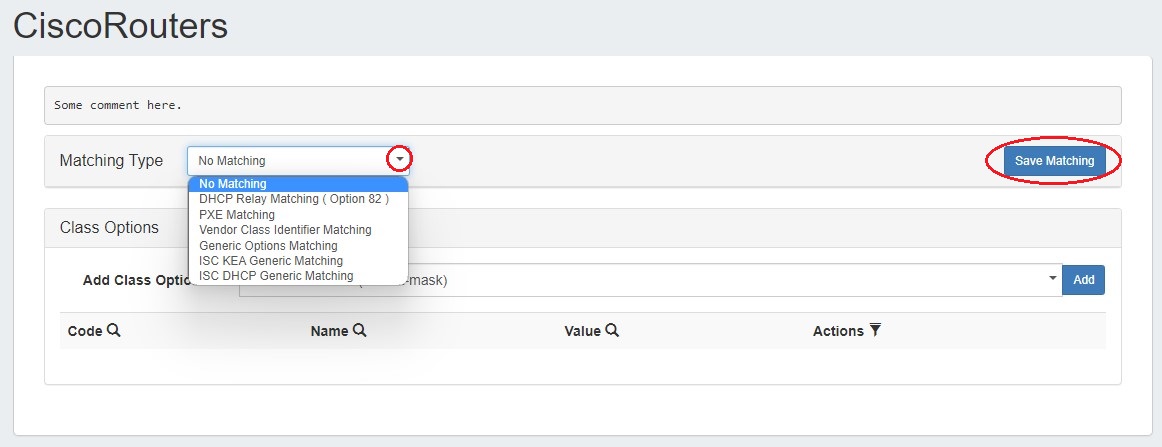
Add / Remove Matching Type
Select a Matching Type for a class by selecting a type from the dropdown menu, entering in the type criteria, and clicking "Save Matching" when done. To remove matching, select "No Matching" from the dropdown and click "Save Matching".
Add / Remove a DHCP Subnet Option
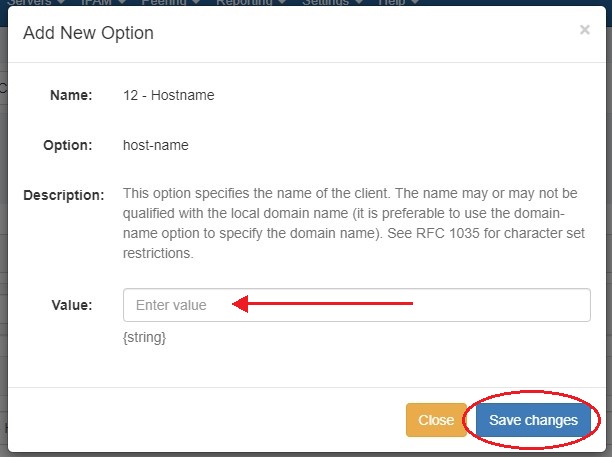
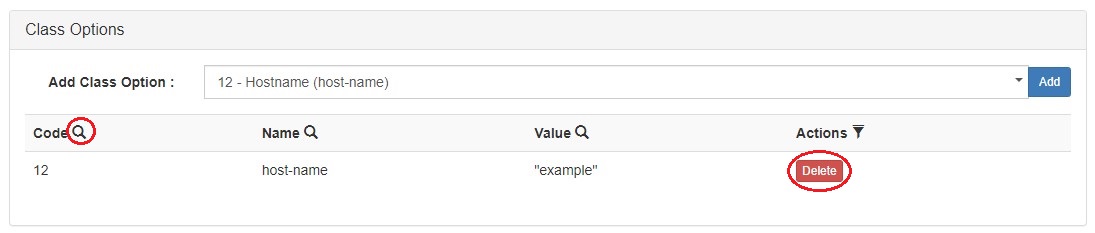
To add a DHCP Option, select one from the dropdown menu in the Class Options module and click "Add".

Enter a value for the Option and click "Save changes".
To remove an Option, click the "delete" button in the Actions column. You can filter the Options list by code, name, or value by clicking the search icon (magnifying glass) over a column.
Delete a DHCP Class
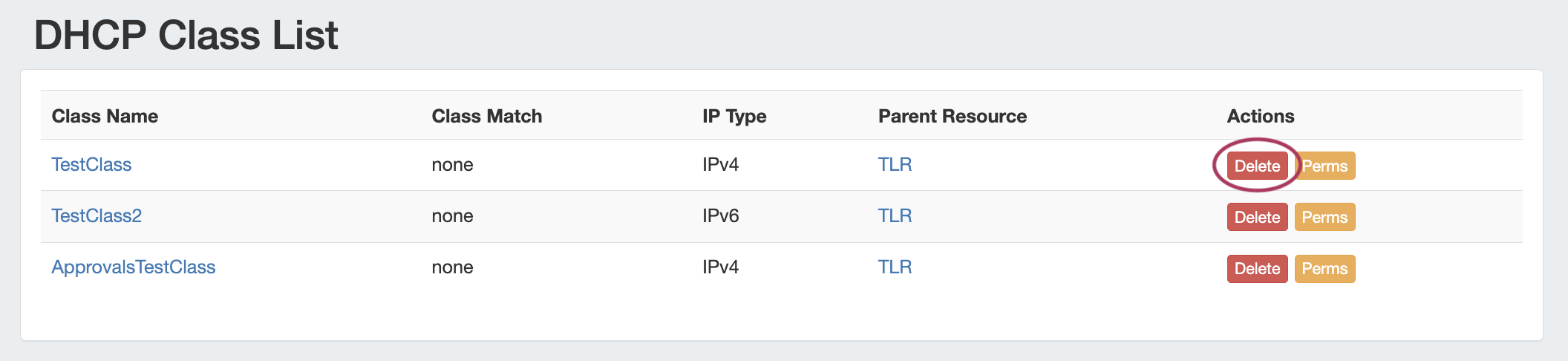
Users with delete permissions over the class may delete it by clicking the "Delete" button under "Actions".
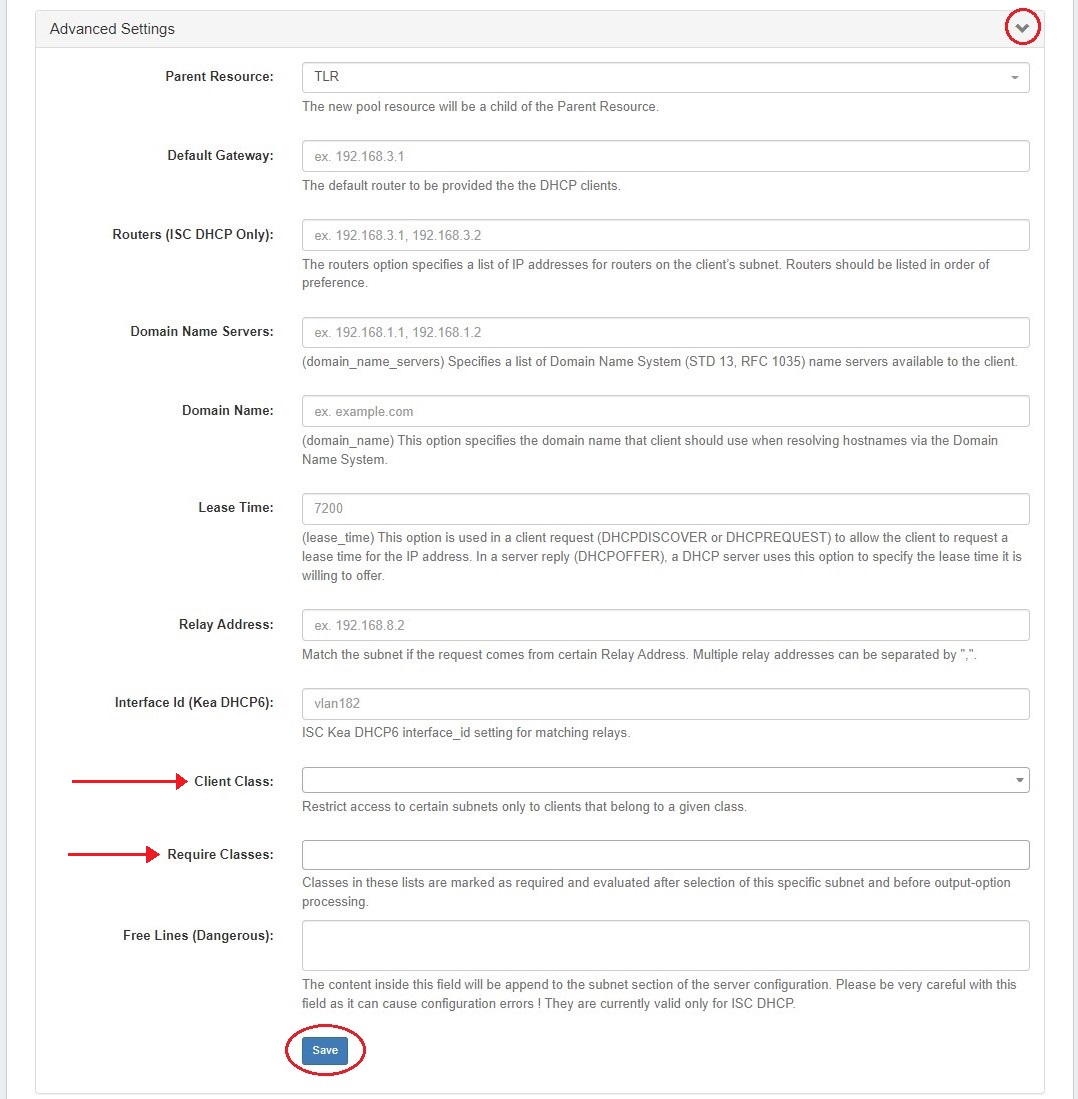
DHCP Subnet Pools and Classes
Class options for DHCP pools are available in the "Advanced Settings" section of the pool details page.