9.0.0 8.3.0 8.2.0-8.2.1 8.1.0-8.1.1 8.0.0-8.0.3 7.4.0-7.4.6 7.3.0-7.3.2 7.2.0-7.2.1 7.1.0-7.1.2 7.0.0-7.0.2 6.1.0-6.1.2 View All PV Cloud PV Local Installs
Auto Light Dark
Auto Light Dark
9.0.0 8.3.0 8.2.0-8.2.1 8.1.0-8.1.1 8.0.0-8.0.3 7.4.0-7.4.6 7.3.0-7.3.2 7.2.0-7.2.1 7.1.0-7.1.2 7.0.0-7.0.2 6.1.0-6.1.2 View All PV Cloud PV Local Installs

Resource Importer Walkthrough - Step 6

Importing Resources

Step 6: Import into ProVision

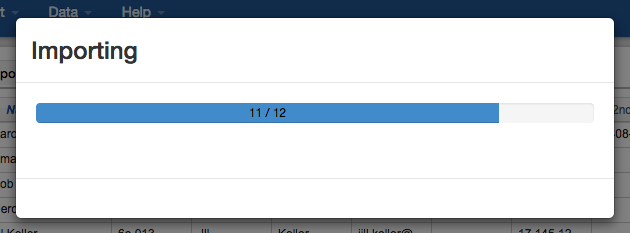
When all of the data is under the Section Grid tab, and any required field data filled in, you can import the data into Provision! From the Data menu, select "Import active Sheet into ProVision". You will see an import progress bar. Once complete, you data will be in provision, filled into the Section fields for your chosen Resource. 
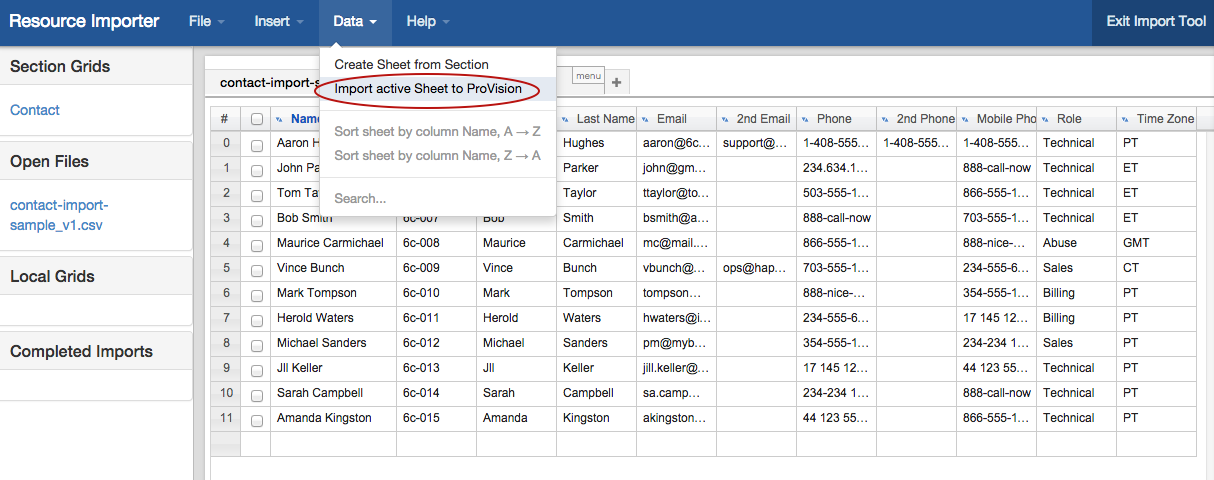
Import to Provision.png

Screen Shot 2014-10-16 at 6.21.31 PM.png