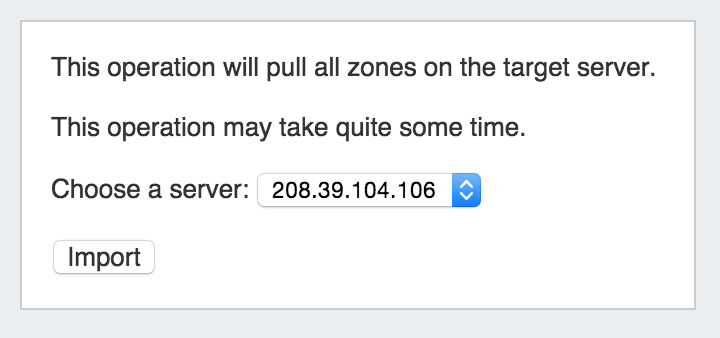
PowerDNS Zone Import
The "PowerDNS Zone Import" option is available after configuring a PowerDNS server with a MySQL backend. It connects to the selected server and imports all zones.
Step 1: Verify PowerDNS server setup
To import PowerDNS zones, first ensure the PowerDNS server has been set up under the DNS Tab, DNS Servers section (see: Working with DNS Servers and configuring a PowerDNS server).
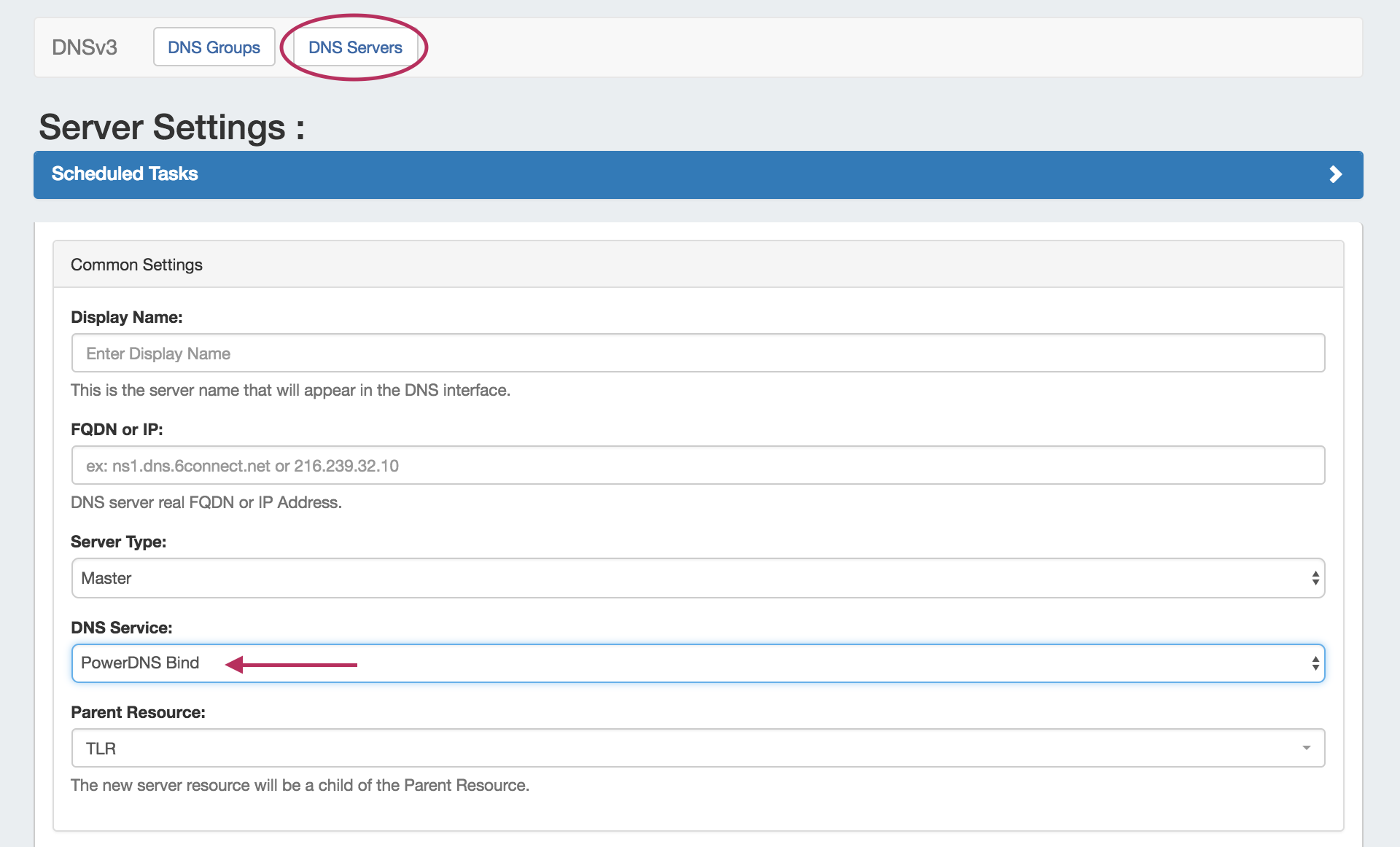
Step 2: Import your PowerDNS zones
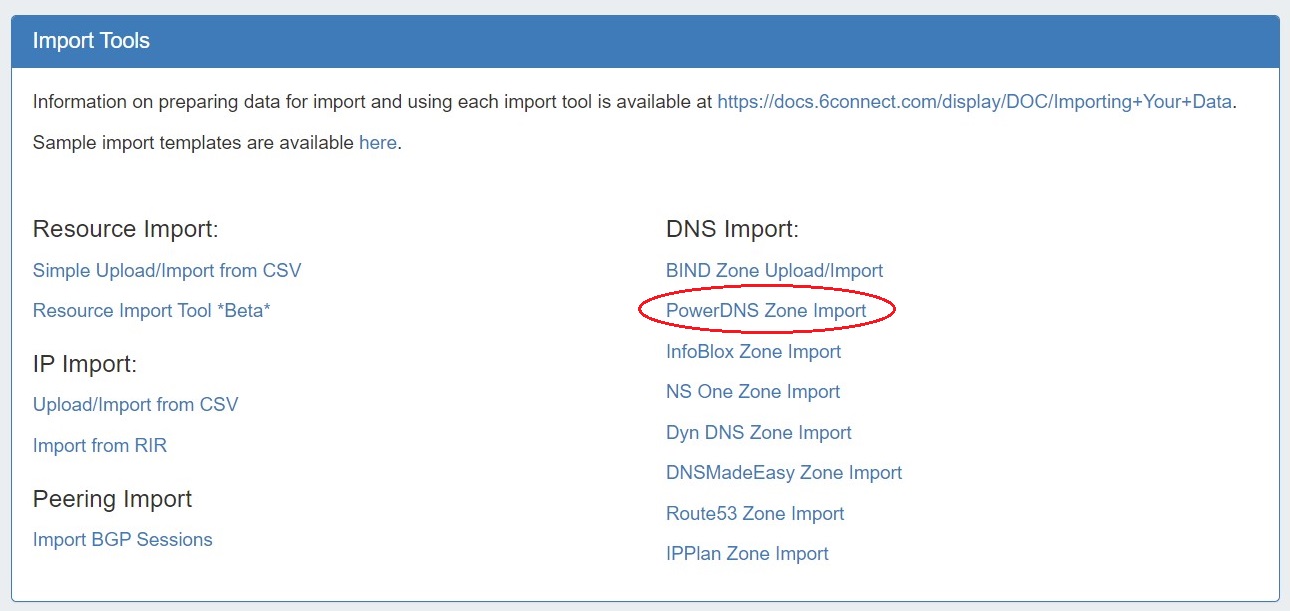
Once server setup has been verified, navigate to the Data Import Tab in the Admin section. Select the "Power DNS Zone Import" link.
Then, to import your data simply choose your PowerDNS server and click "Import".