
Importing blocks from your RIR source IP is available from the Data Import Tab in the Admin area of ProVision. This feature uses the RIR Org ID to identify a source IP and determine blocks assigned to your organization that are available for import.
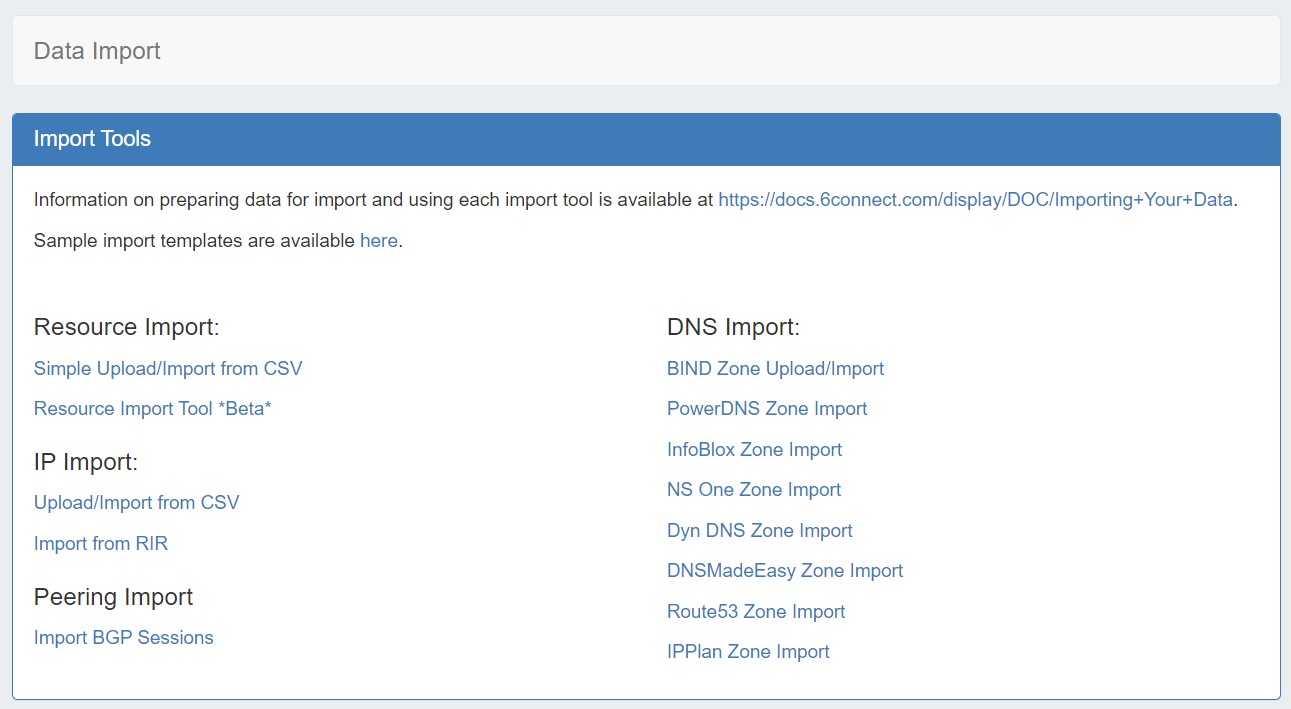
Import from RIR
From the Data Import Tab, select "Import from RIR" under "IP Import".
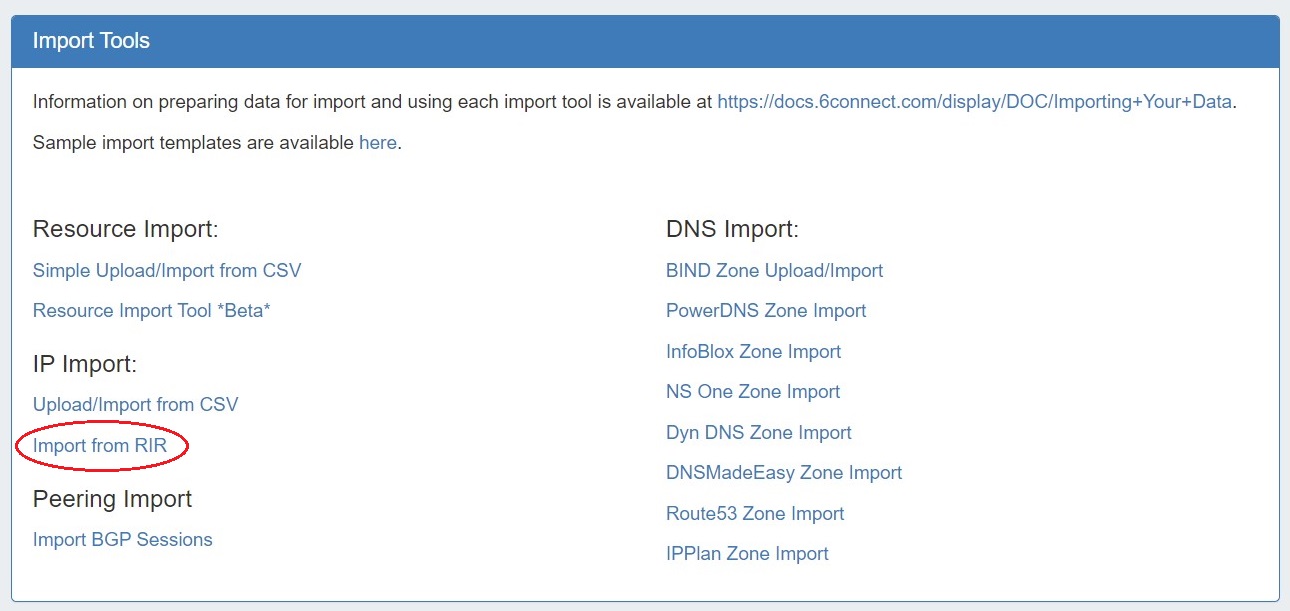
Continue through the steps below to Import from RIR:
Step 1: Lookup from Source IP
Step 1: Lookup from Source IP
We automatically lookup your ARIN or RIPE information based on the IP address you are connected to:
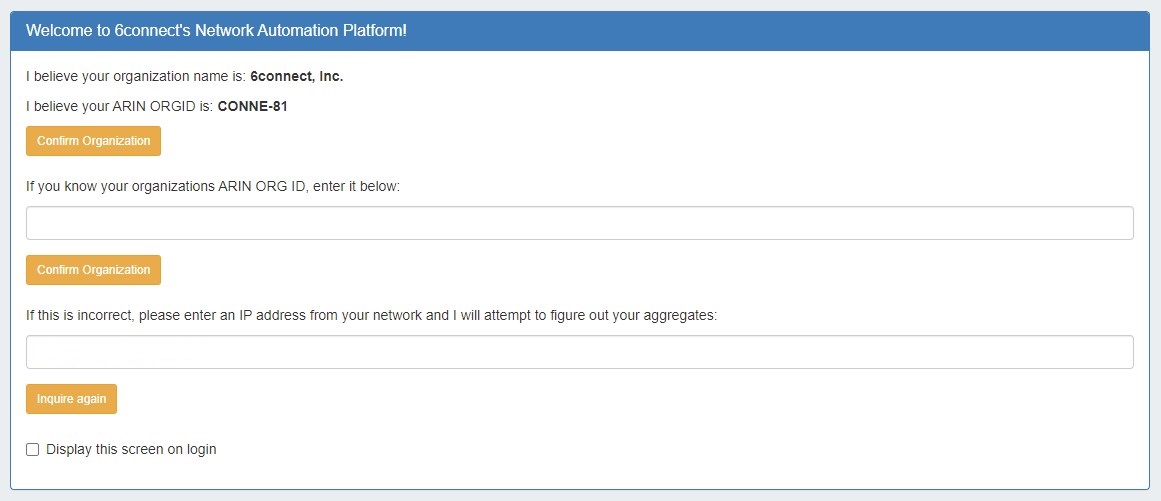
If you have another source IP that you would like to use for the lookup function, you can edit the IP and click on the "Inquire Again" button.
If the organization name and ORGID are correct, then click on the "Confirm" button to go to the next screen.
Step 2: Import your aggregate blocks
Step 2: Import your aggregate blocks
Once we have identified the blocks assigned to your company, you can import the aggregates by pressing the "Add Aggregate" buttons.
This page allows you to add both 1918 aggregates as well as public IP space from ARIN and RIPE.
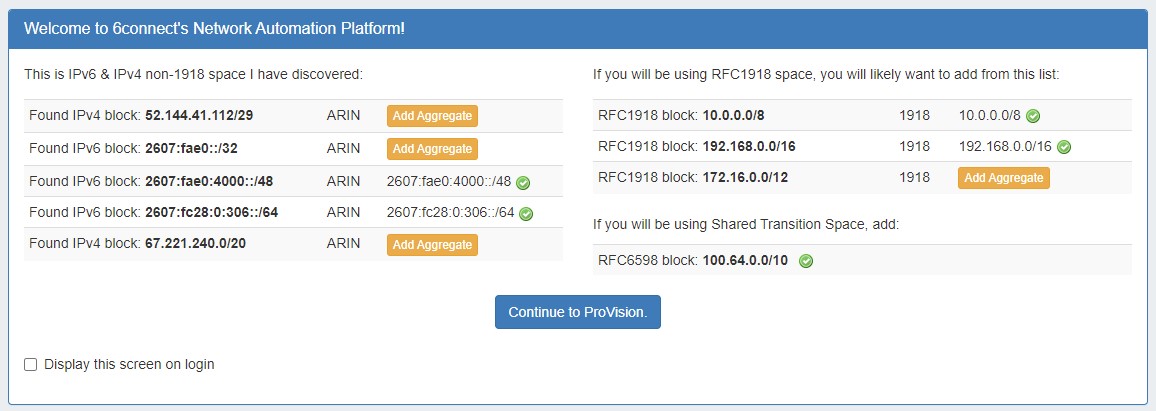

You will be redirected to the IPAM tab to manage the aggregates as desired.