
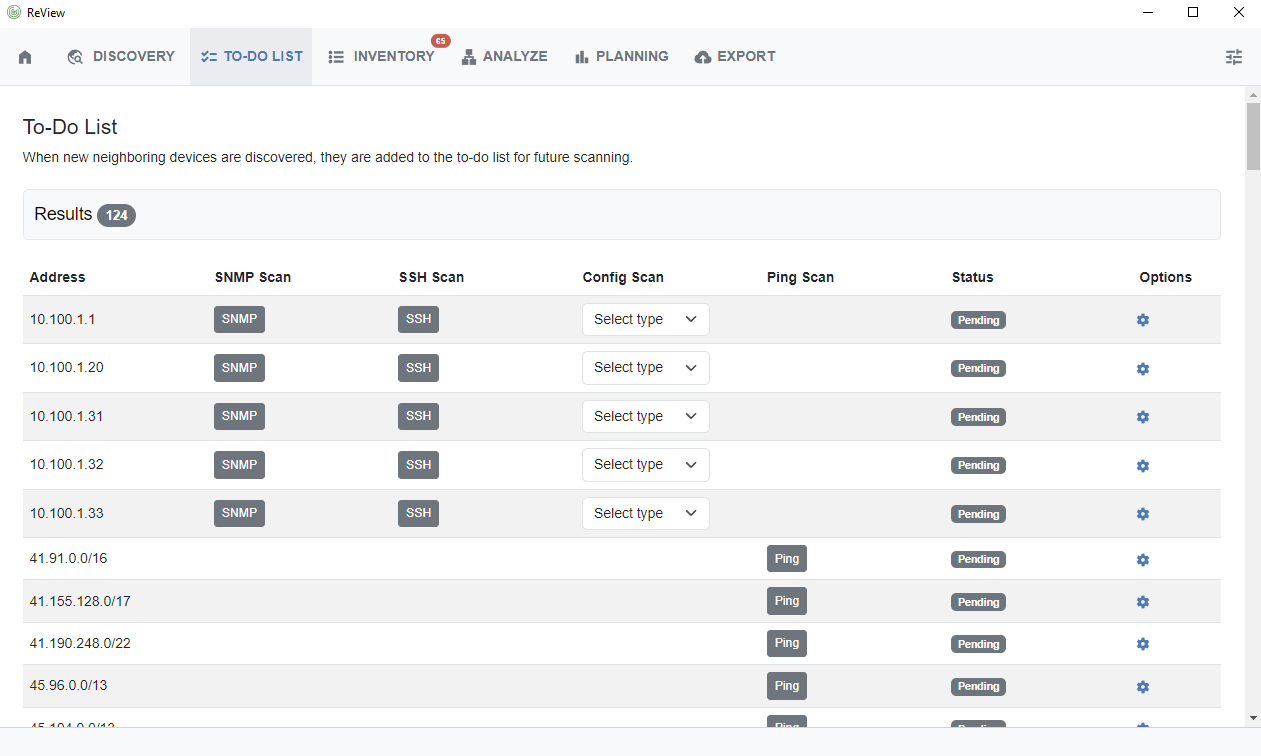
The To-Do list identifies and marks neighboring devices encountered during SNMP, SSH, router config, or ping discovery scanning. Users may then review, update the type of config scan, or mark with updated status flags.
Working with the To-Do List
The To-Do list is only populated from discovery runs where SNMP, SSH, router config, or ping scans encounter new neighboring devices.
Once encountered, the address will be added to the list and the source marked (SNMP, SSH, Config, or Ping), so that users may return to the encountered devices to run additional scans, if needed.
Options
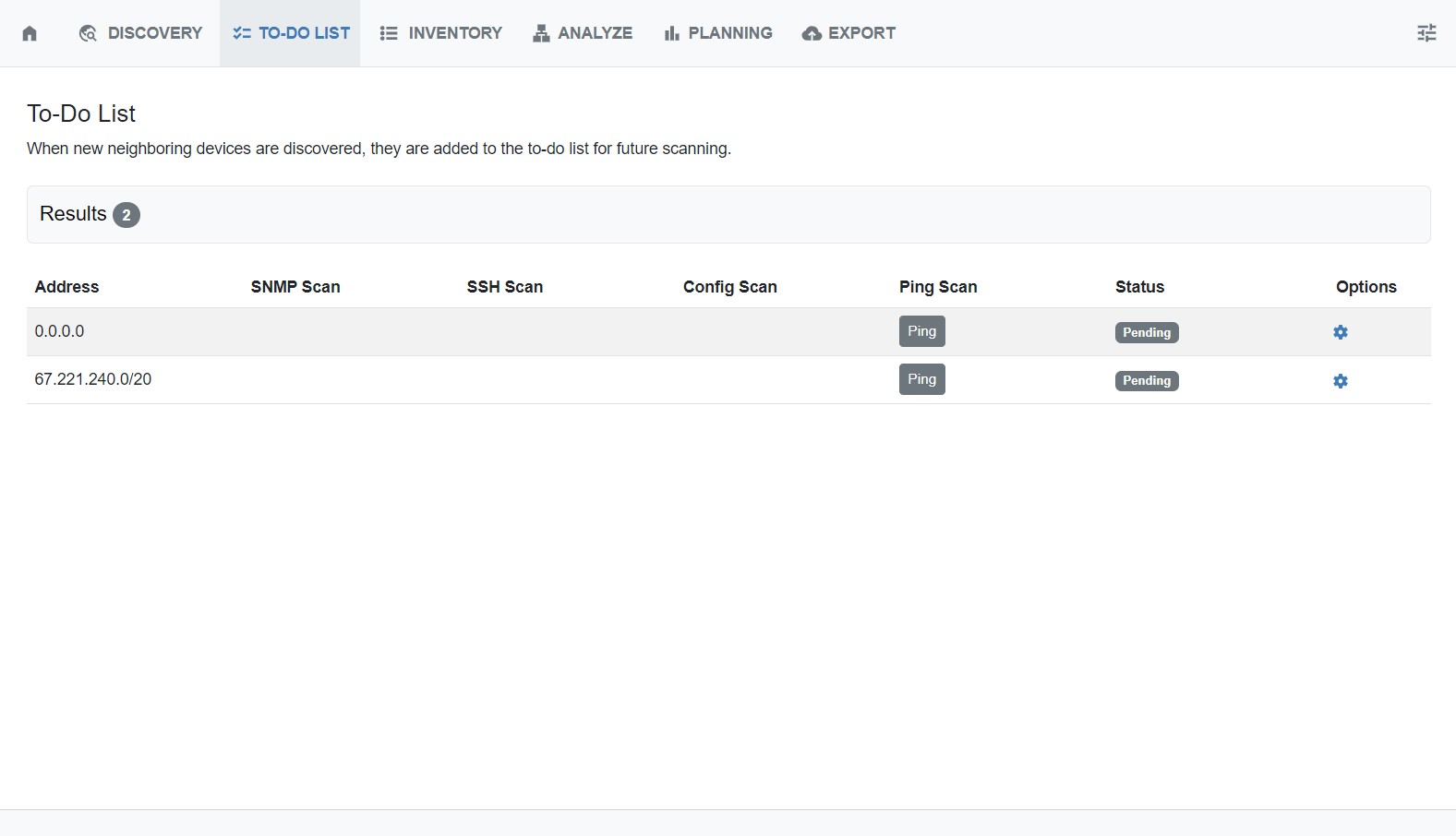
By default, the status of an encountered device is “pending”, serving as a reminder to review or scan the device. You may change the status at any time from the Options → Action menu (gear icon).
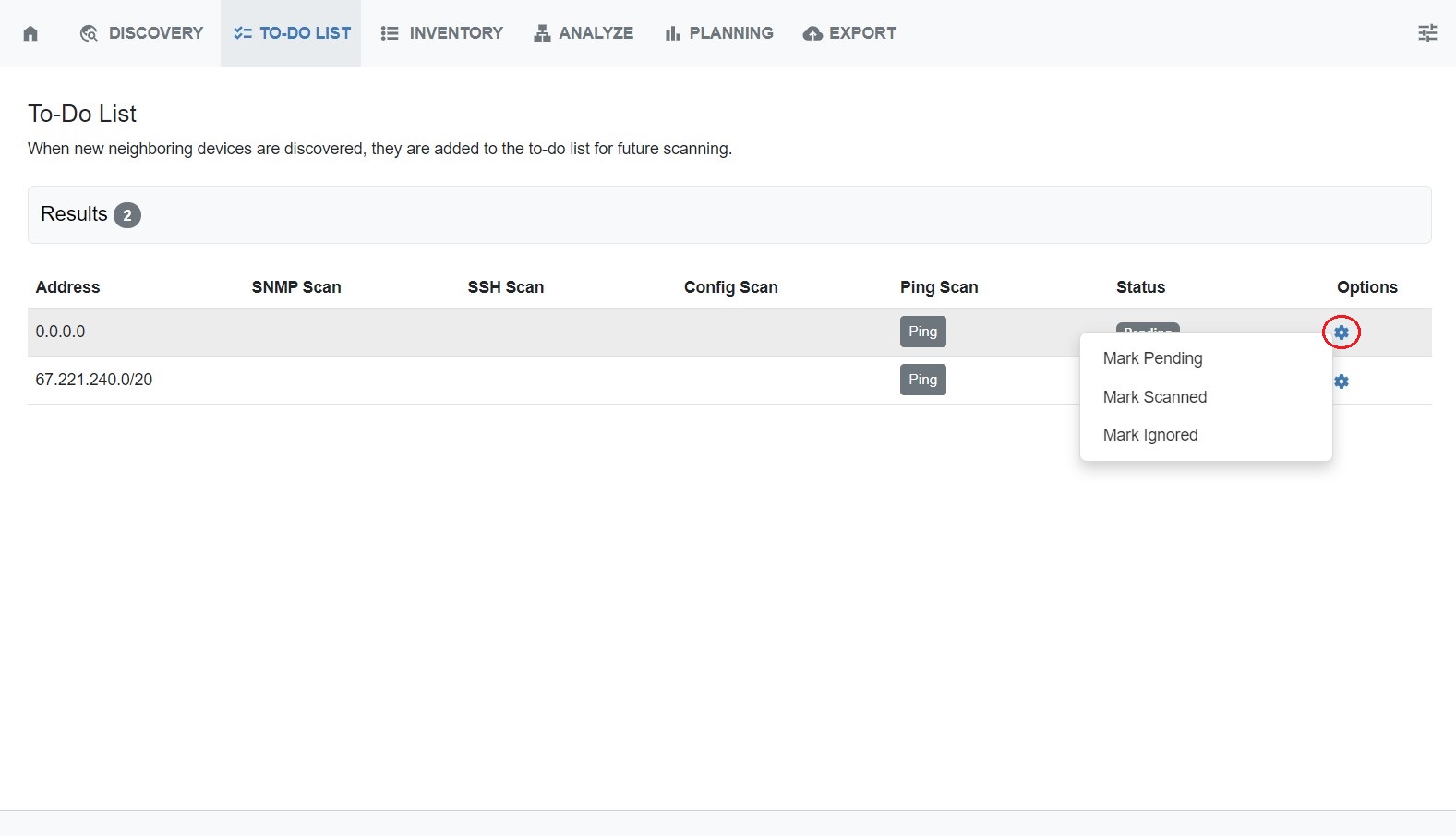
To mark the status of a device, right click anywhere on a row to open the Action Menu. You can choose from pending, scanned, or ignored.
Next Steps
Once the To-Do List items have been reviewed, scanned, or ignored as needed, proceed to the Inventory tab to review all netblocks, ips, and sources found during discovery.