
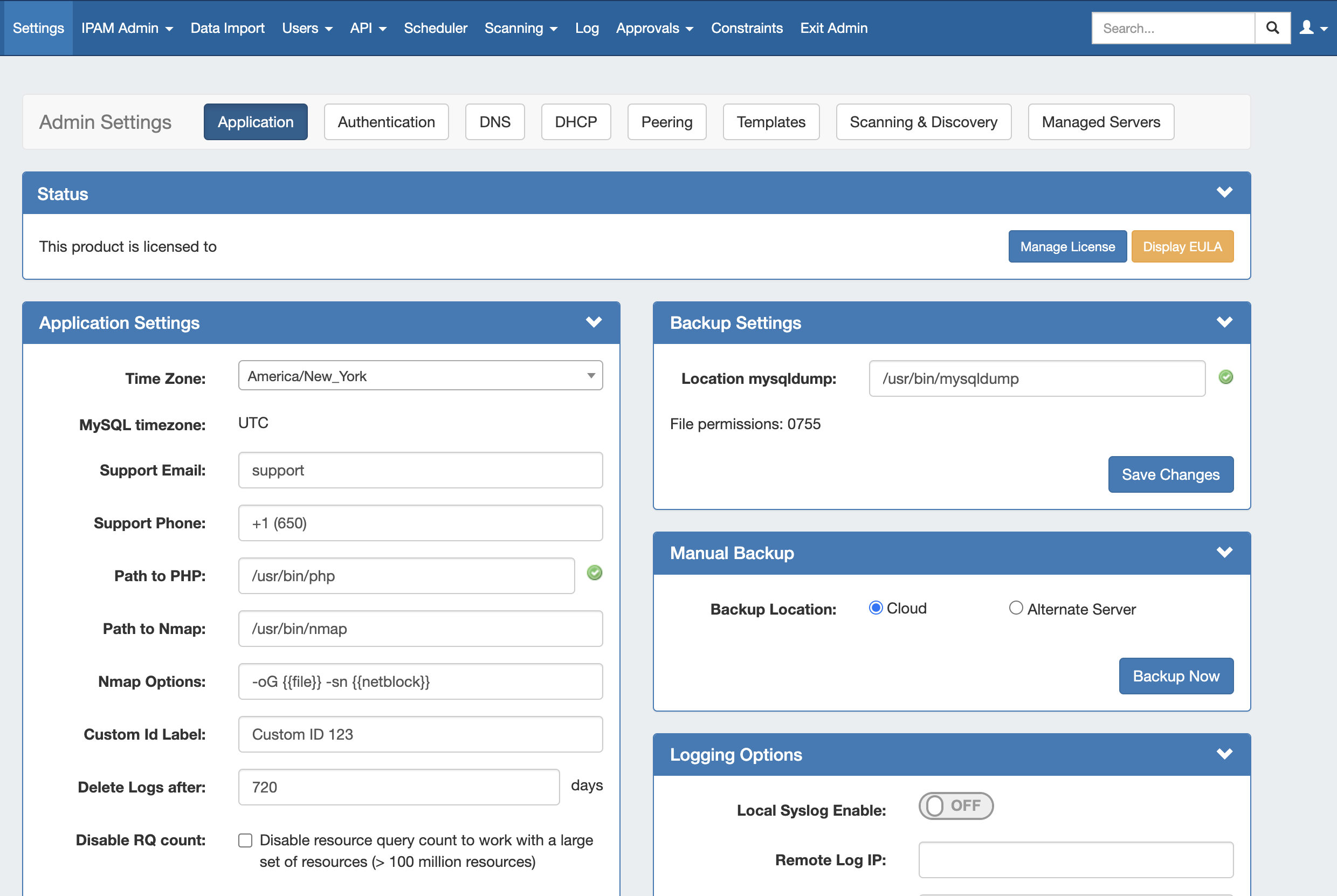
The Admin Settings page is the home page of the Admin section, where general platform preferences may be set.
To access it, click the Settings tab of the header from any page. From there, select "Admin". You will then have access the Admin section tabs, and will see the Admin Settings page. Each module area can be accessed by its own sub-tab button, available at the top of the page.
For details on each Admin Settings sub-tab, see the following areas: