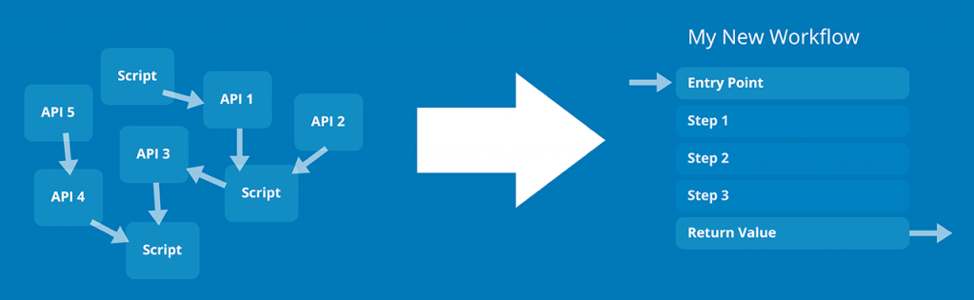
API Composer Platform (ACP) is a vendor-agnostic toolbox for developing interconnected endpoint workflows using data from one or more API service providers. ACP serves as a universal ‘glue layer’ for API-driven development, to standardize and streamline endpoint automation logic, save developer time, and increase the overall robustness of API-driven code.
Graphical Editor
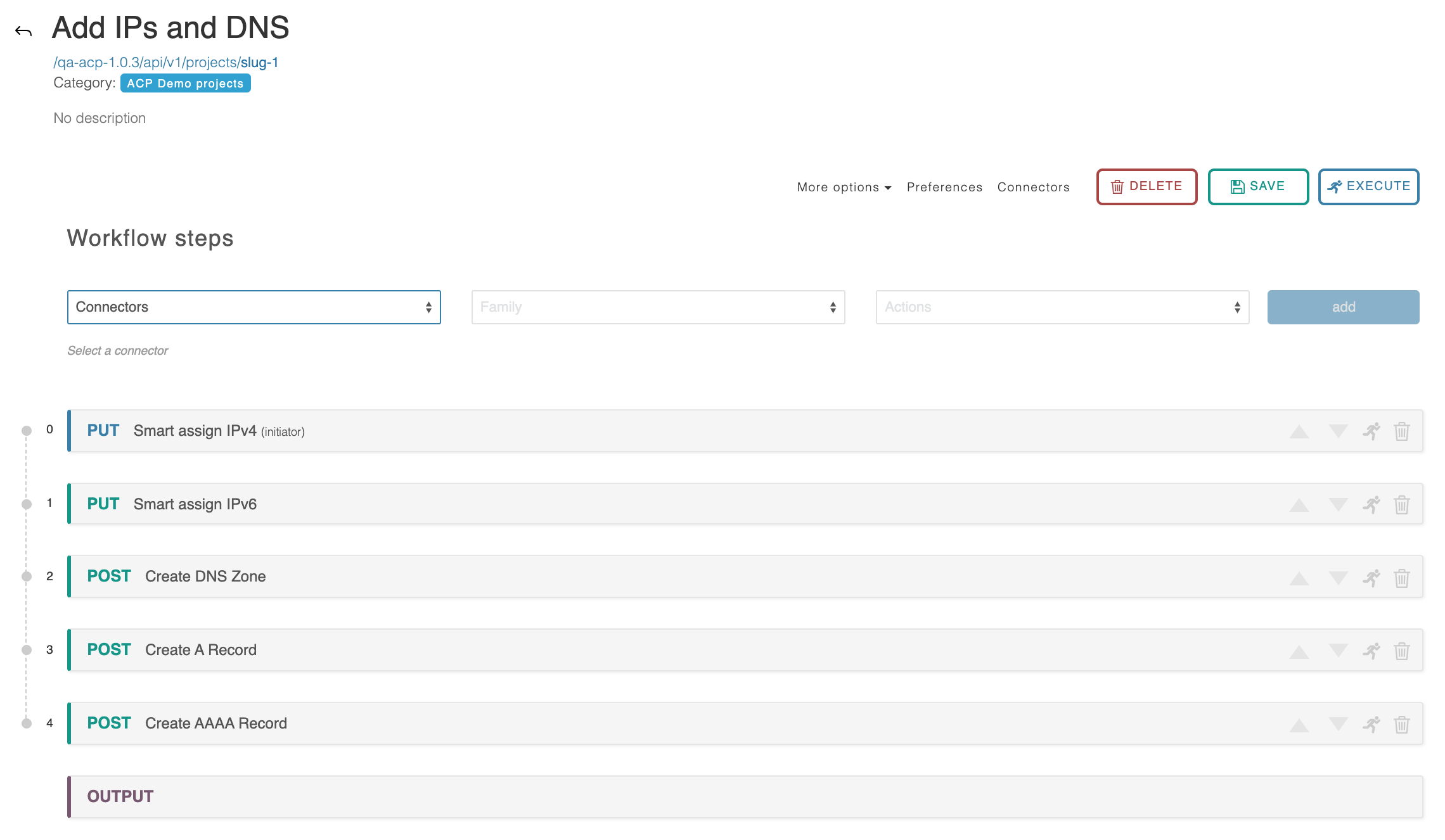
With ACP’s graphical editor, you can easily pull in data from multiple API vendors and combine it into a new API endpoint – on the fly – with no code necessary. Easily create and visualize workflows ranging from a simple single-step endpoint up to a complicated, multi-step chain utilizing branching logic and custom javascript transformations.
ACP supports automatic rollbacks, so failure branches self-correct without the need to manually undo steps. Once you have set up a workflow, it can be reused and shared using JSON for convenience and version control.
Features
Additional Features
ACP includes the following features:
Contains a library of built-in connectors to many common services:
ProVision
Amazon AWS
Google Cloud
Microsoft Azure
VMWare vCenter
Kubernetes
Supports cross-vendor and multi-account actions with API service providers
Supports automatic rollbacks for most API actions, greatly simplifying development
Speeds up execution times for multi-step tasks
Allows new ACP Workflows to be quickly prototyped based on previous work
Provides a centralized repository for all API-driven glue code
Utilizes a compact JSON data format for easy sharing and support
Contains an extensive example library
Supports embedded Javascript for complex data transformations
Cleanly supports iteration over complex data objects
Provides functionality for providing user-defined connectivity to other services
ACP Workflows can be executed as a single API call to the ACP Server. Many advanced automation and integration tasks can be accomplished by pairing ACP with ProVision.
Practical Applications
Practical Applications
ACP, in combination with one or more supported services, can be used to streamline common tasks such as:
Customer Turnups
Automated provisioning
IP & DNS Reallocation
Data gathering for internal analysis tools
Kubernetes: Allow/Deny traffic from namespace
AWS: Create VM with DNS Zone/Record(s)
AWS: Create or Delete VM / Cluster / Datacenter
AWS / Route53: Retrieve all the zones in your AWS Account and push them into ProVision.
AWS / Route53: Push ProVision DNS Group to Route53
ACP User Guide
For detailed information on working in ACP, see the ACP User Guide: