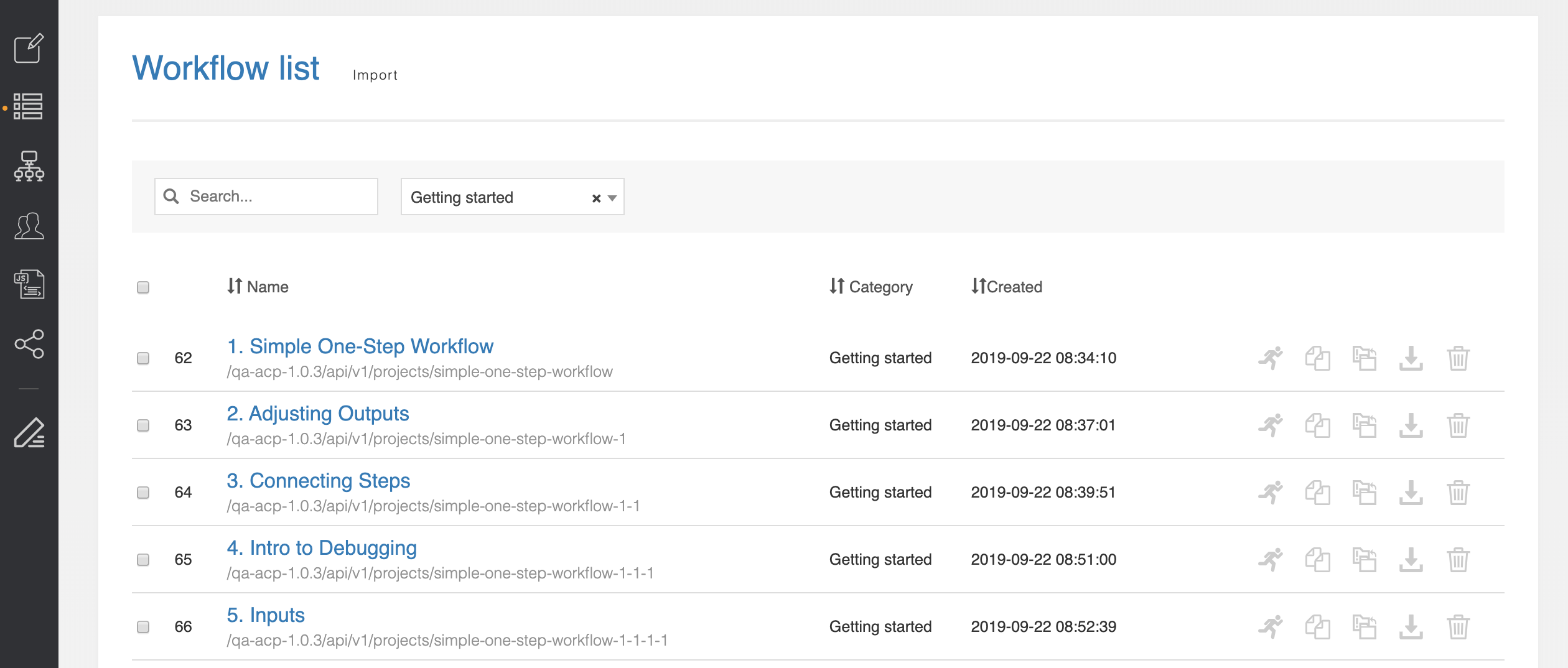
(1) "Simple One-Step Workflow" -- connects to a ProVision instance, gets the TLR, returns it
(2) "Adjusting Outputs" -- does (1), but outputs the TLR id, its Name, and its Parent as separate returns
(3) "Connecting Steps" -- pulls the "Server" resource, then pulls its parent, then outputs the parent's id, name, and parent.
(4) "Intro to Debugging" -- does (3), but looks for the "DOESNOTEXIST" resource. This workflow is designed to fail and show how the Debug section works.
(5) "Inputs" -- does (3), but has the initial resource name as a user-given input
(6) "Branching by HTTP Code" -- The user gives a resource name. If the resource does not exist (HTTP 404), the workflow creates it. If the resource exists, the workflow deletes it.
(7) "Branching by Data Inspection" -- The user gives a resource name. If the resource does not exist (body.name != $name), the workflow creates it. If the resource exists, the workflow deletes it.
(8) "Compound Branching Conditions" -- Same as (6), but if with extra Conditions that error if the entered name is "TLR", "Base", or "Required". These are hard-coded as conditions.
(9) "Working with Arrays" -- pulls a list of all resources of type 'section', returns the name of the 3rd one. This is to show the use of "3.name" syntax.
(10) "Inputs with Routing" -- Same as (6) but the user-given input is used in the conditional statements in the routing section.
(11) "Sub-Steps" -- The workflow pulls a list of all resources of type 'section' then adds the first 3 resources applied to each section. Each resource from Step#1 will contain "child_resources" in the response.
(12) "Iteration Variables" -- The workflow gets the first 3 sections and sets "custom_attr" to be equal to user_given.custom_value.
(13) "Javascript Functions" -- A modification of (1) which gets the TLR and then reverses the characters in the name using Javascript to return "RLT".
(14) "Multiple-Initiator Workflows" -- Outputs multiple workflow results.
(15) "Multiple Connector Workflows" – An example of a workflow with multiple connectors, in this case, ProVision and AWS.
(16) "Connector Credential Segregation" -- Multiple connectors to the same ProVision instance using different credentials to isolate who gets to do what. This is mostly an AWS/Azure/GCloud feature.
(17) "Generic Connectors" – Retrieves a resource name by using custom Generic Connector linking to Provision.