
Initiator Conditions
The ACP system uses “initiator conditions” as a pre-routing system to determine, based on user-given data, which step is executed first. This is particularly useful for data unification processes.
For example, a Workflow can be configured to accept both a Customer Name or a Customer Id, but if a Customer Name is provided to start at a step which first looks up the Customer Id before proceeding to the main work.
Initiator Editor
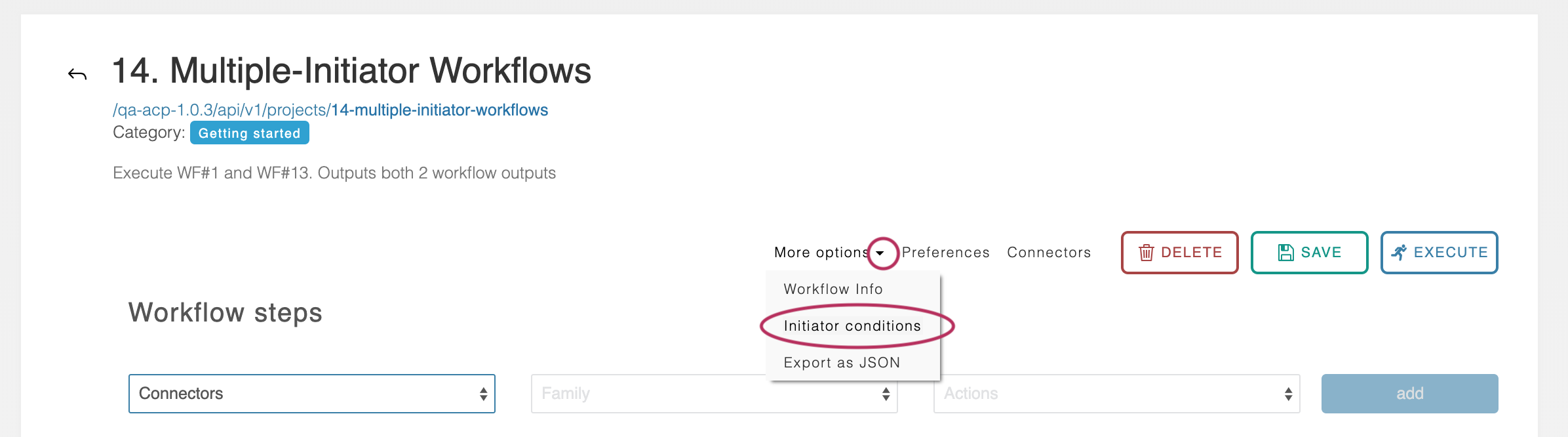
The Initiator Editor can be accessed by scrolling to the top of a workflow and clicking ‘More options’, followed by ‘initiator conditions.’
Initiator Editor Details
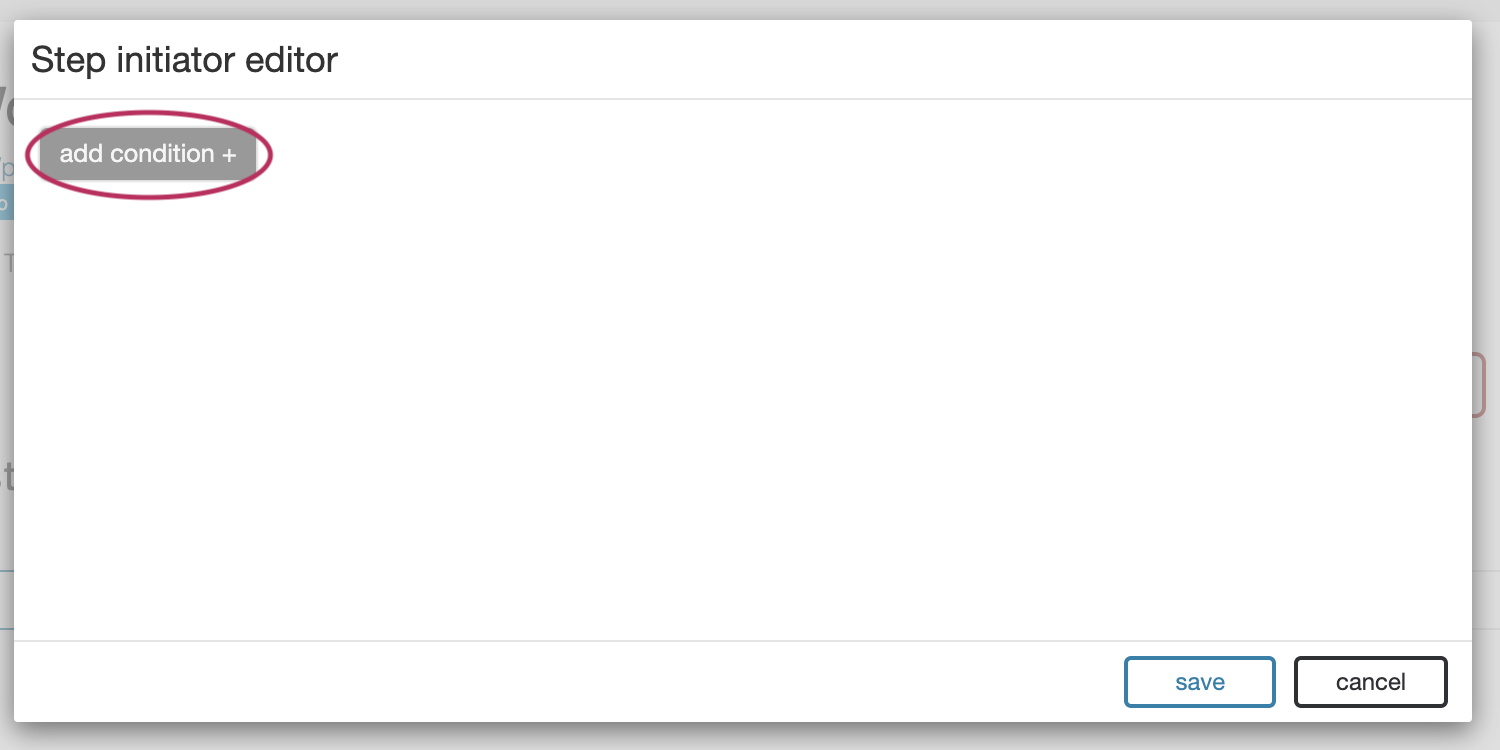
The Initiator Editor consists of a series of conditions blocks identical to those found in the Conditions and Routing sections on each individual step. The “add condition” button can be used to include an arbitrary number of initiator conditions.
Each individual condition can describe the relation between any number of variables using the same tools available in the routing section of individual steps.
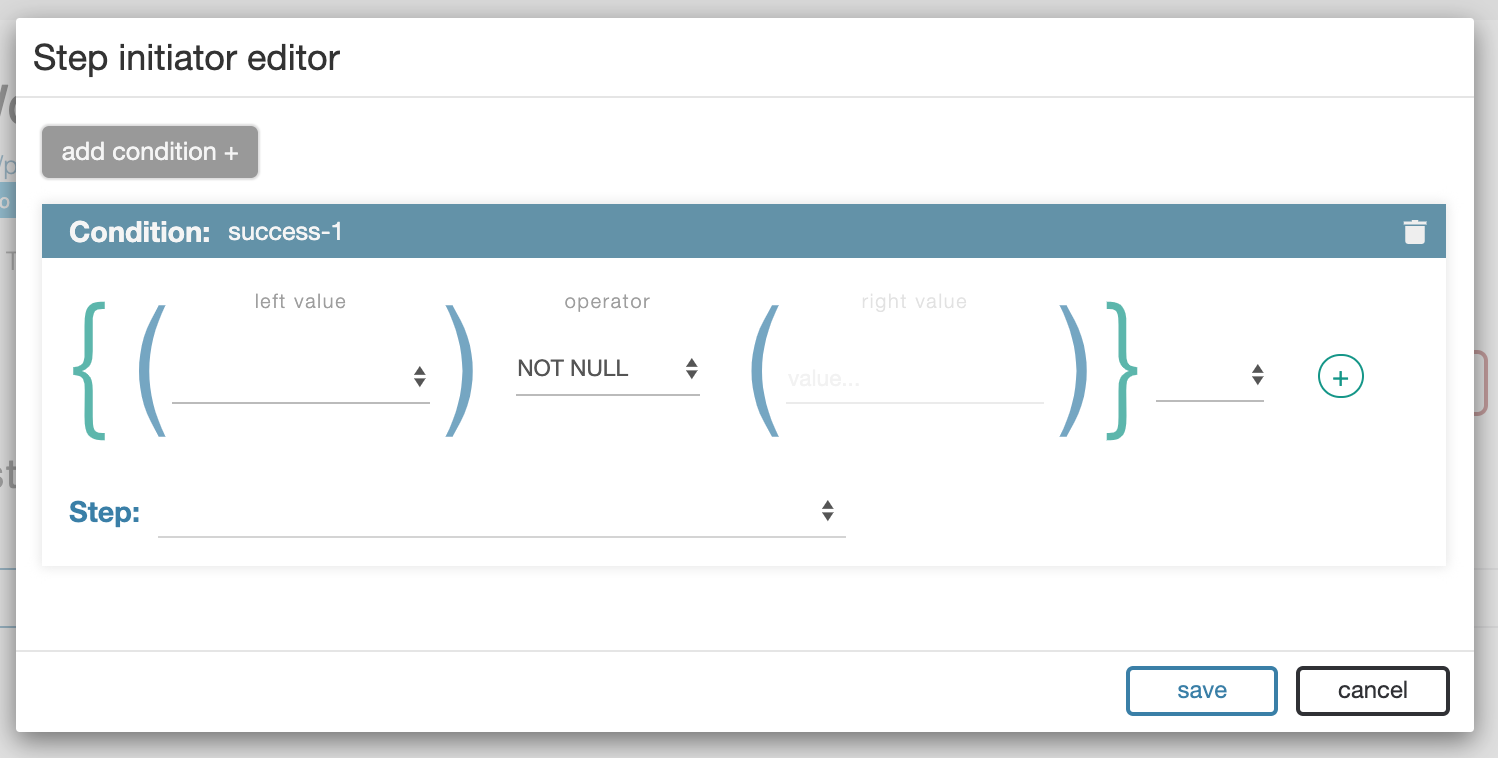
When the workflow is executed each condition is evaluated against the user-given data, from top to bottom, in order. Once a matching condition is found the Workflow immediately proceeds to the indicated step.
Iteration Options
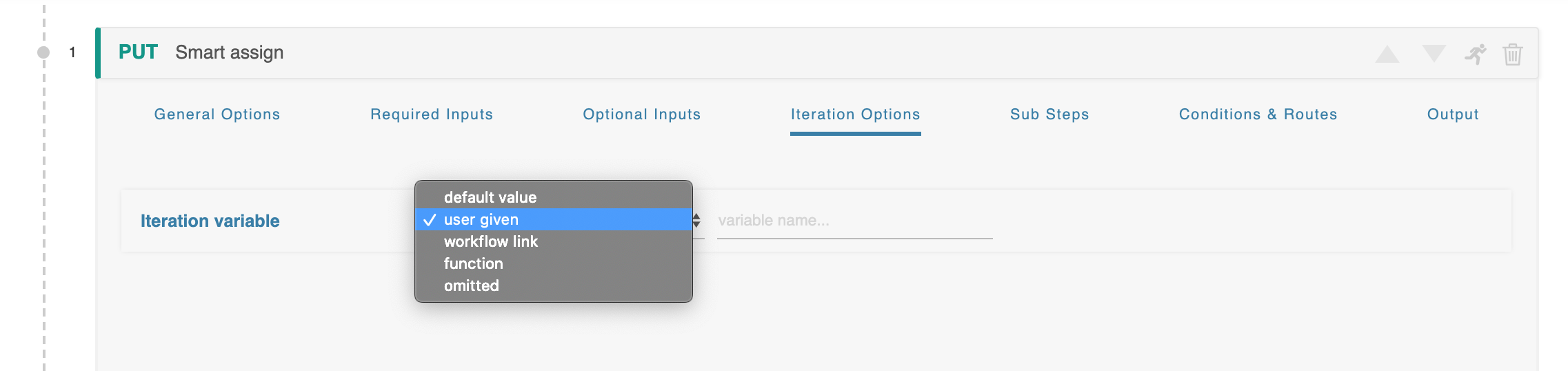
Each Step has an “Iteration Options” section which can be used to execute a single step multiple times.
Workflows Executing Other Workflows
ACP ships with a self-referential “acp” connector type which is designed to include API calls generated by the ACP system itself. This connector type can be found from the general list of connector types on the Connectors modal.
This functionality is extremely useful as it allows the user to extend simple workflows into more advanced ones in an intuitive fashion.